


3D printing can feel like magic, turning digital dreams into tangible creations. But sometimes that magic goes awry, leading to a mess of unwanted strings resembling a spider’s web. Stringing is a common issue that can turn a masterpiece into a tangled fiasco faster than you can say “filament.”
Understanding Stringing in 3D Printing
Stringing in 3D printing occurs when filament oozes from the nozzle during non-printing movements. This phenomenon leaves undesirable strands on the printed model. Several factors contribute to stringing, including temperature settings, retraction settings, and travel speed.
Temperature impacts stringing significantly. High nozzle temperatures can cause filament to become more fluid, leading to increased oozing. Conversely, lower temperatures may reduce stringing but can lead to under-extrusion or poor layer adhesion.
Retraction settings play a critical role as well. Insufficient retraction distance or speed can result in filament continuing to extrude while the print head moves across open spaces. Adjusting these parameters often reduces or eliminates stringing.
Travel speed also affects stringing. Slower travel speeds increase the time the nozzle spends over open areas, allowing more filament to ooze. Optimizing travel speed helps decrease the chances of unwanted strands.
Print settings, including outer wall speed and inner wall speed, further influence stringing. Decreasing outer wall speed while maintaining inner wall speed may yield better results. Fine-tuning these details ensures a cleaner final product.
Material selection adds another layer of complexity. Some filaments, particularly those with lower viscosity, tend to string more than others. Understanding material properties can aid in selecting the right filament for a specific project.
By addressing these factors, he or she can effectively minimize stringing and enhance the overall print quality. Making systematic adjustments to print settings leads to a more polished and professional appearance in 3D prints.
Common Causes of Stringing
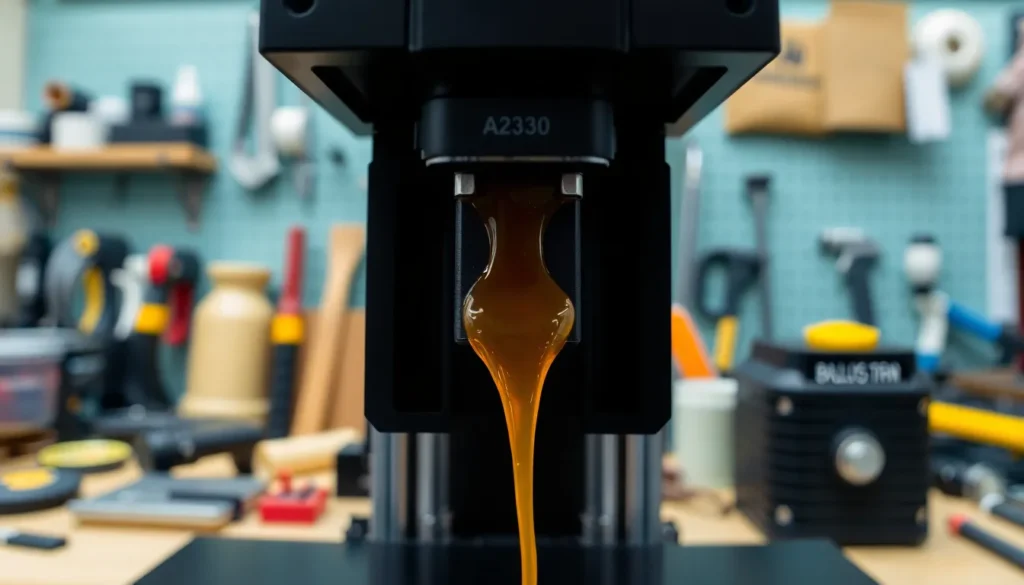
Stringing often results from various technical factors that affect print quality. Understanding these causes can help in effectively reducing unwanted strands of filament.
Inconsistent Temperature Settings
Inconsistent temperature settings contribute significantly to stringing. When nozzle temperatures are too high, filament oozes from the nozzle during travel moves. Some printers struggle with maintaining a stable temperature, leading to fluctuations that exacerbate stringing. Lowering the temperature can minimize oozing, but it risks under-extrusion if the temperature drops too much. The ideal nozzle temperature varies by filament type, so adjustments must align with specific material requirements. Fine-tuning temperature settings helps achieve a balance that reduces stringing while ensuring proper layer adhesion.
Improper Retraction Settings
Improper retraction settings frequently cause stringing issues in 3D prints. Retraction refers to the process of retracting filament into the nozzle during non-print moves. Exceeding the optimal retraction distance can lead to insufficient filament withdrawal, allowing oozing to occur. Conversely, setting retraction too aggressive might cause clogs or gaps in extrusion. Retraction speed also plays a role, as slower speeds can result in more filament being pulled back, reducing the risk of stringing. Properly adjusting these settings ensures minimal stringing and enhances overall print quality.
Material Properties Affecting Stringing
Material properties significantly influence stringing in 3D printing. Understanding these factors is essential for reducing unwanted filament strands.
Filament Type
Filament type plays a crucial role in stringing occurrence. For instance, certain materials like PLA and PETG are more prone to oozing than others. Flexible filaments, such as TPU, often exhibit increased stringing due to their elasticity. Each filament type has unique thermal characteristics and flow properties that affect nozzle performance. It’s important to select the appropriate material based on desired print quality and specific project needs. Experimenting with different brands and blends can also yield varying results in stringing behavior.
Moisture Content
Moisture content in filaments significantly impacts their performance during printing. Filaments that absorb moisture can become prone to bubbling and oozing, leading to increased stringing. For example, nylon absorbs water rapidly, causing printing issues if not properly dried before use. Drying filament using a dedicated dehydrator or an oven can help mitigate these effects. Regularly checking filament storage conditions ensures minimal moisture absorption. Maintaining optimal moisture levels leads to smoother extrusion and cleaner prints, minimizing stringing.
Printer Settings to Mitigate Stringing
Adjusting printer settings is essential for reducing stringing in 3D prints. Key settings, such as retraction distance and speed as well as travel distance can significantly impact print quality.
Retraction Distance and Speed
Retraction distance defines how much filament gets pulled back into the nozzle during non-printing moves. An optimal range typically falls between 2 mm to 5 mm for most filaments. Increasing the retraction speed can further enhance this process, usually around 30 mm/s to 60 mm/s, depending on the material. The right balance prevents oozing while maintaining consistent extrusion. Experimenting within this range will reveal the best settings for each filament type.
Travel Distance
Travel distance refers to the distance the nozzle moves without extruding filament. Shorter travel distances reduce the chance of filament oozing out, minimizing stringing. Maintaining travel moves below 300 mm is often recommended to cut down on unwanted strands. Additionally, increasing travel speed to around 150 mm/s can help to further reduce oozing during these moves. Properly setting these distances not only enhances print quality but also leads to more efficient and cleaner prints.
Stringing in 3D printing can be a frustrating challenge but understanding its causes is the first step toward resolution. By carefully adjusting temperature settings retraction parameters and travel speeds users can significantly reduce unwanted filament strands. Choosing the right materials and maintaining optimal moisture levels further enhances print quality.
Through diligent fine-tuning of these variables 3D printing enthusiasts can achieve cleaner more professional results. Embracing these best practices not only improves the appearance of printed objects but also contributes to a more efficient printing process overall.

