


In today’s digital age, a reliable home network isn’t just a luxury; it’s a necessity. Imagine streaming your favorite show while your teenager battles it out in a video game, all without a hiccup. Sounds dreamy, right? Setting up a home network can feel like a daunting task, but it doesn’t have to be rocket science. With a little guidance, anyone can transform their home into a tech-savvy haven.
Understanding Home Networks
A home network connects devices, allowing seamless communication and sharing of resources. Different types exist, catering to various needs.
Types of Home Networks
Several types of home networks serve distinct purposes. Wired networks rely on Ethernet cables for speed and reliability. Wireless networks use Wi-Fi technology, providing convenience without cables. Powerline networks utilize existing electrical wiring to transmit signals, creating a simpler setup. Mesh networks improve coverage by using multiple nodes, eliminating dead spots in larger homes. Each option delivers unique advantages based on user requirements.
Key Components of a Home Network
Key components form the backbone of any home network. Routers distribute internet connection to devices, ensuring they stay connected. Modems connect the network to the internet service provider, translating signals for use. Network switches expand the number of available ports, facilitating wired connections to multiple devices. Access points extend wireless coverage, improving signal strength in distant areas. Firewalls or security software protect the network from potential threats, enhancing overall security.
Planning Your Home Network
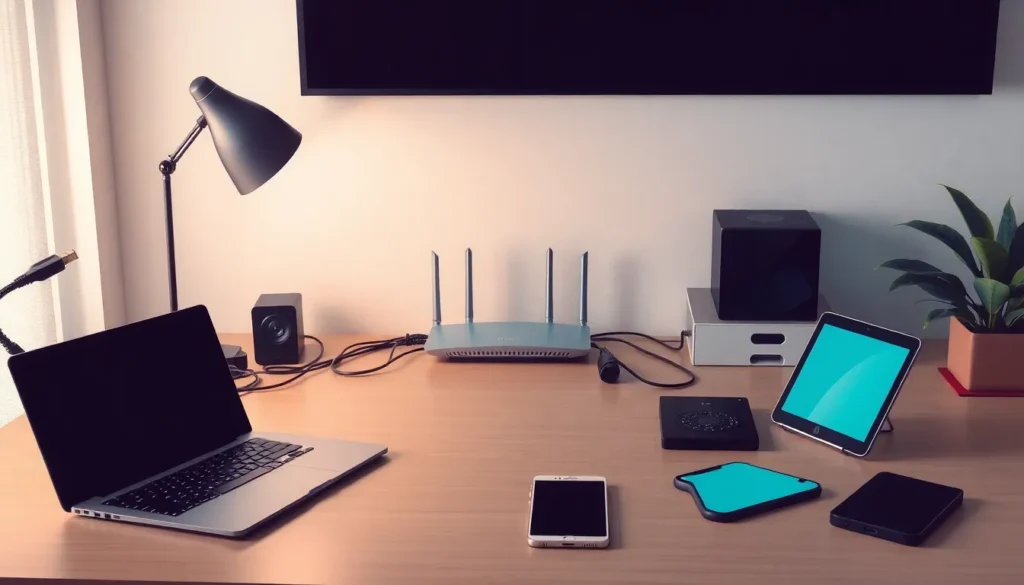
Planning a home network involves careful consideration of needs and equipment. Understanding both aspects ensures a smooth setup and optimal performance.
Assessing Your Internet Needs
Assessing internet needs starts with evaluating the number of devices used simultaneously. This includes smartphones, tablets, computers, and smart TVs. Bandwidth requirements vary based on activities like streaming, gaming, and browsing. Identify peak usage times to gauge data needs more accurately. Consider a speed of at least 25 Mbps for basic streaming and browsing; higher speeds are ideal for multiple users or intensive tasks. Special attention to coverage areas helps pinpoint any potential dead zones. Gathering this information provides a foundation for choosing the right equipment.
Choosing the Right Equipment
Choosing the right equipment begins with selecting an appropriate router. Look for dual-band or tri-band models that support multiple devices efficiently. Analyze mesh network options for larger spaces requiring better coverage. Include a modem that matches your internet service provider’s specifications to avoid compatibility issues. Network switches enhance wired connections for devices in a fixed location. Firewalls bolster security, protecting against unauthorized access. Each component plays a role in establishing a robust home network.
Setting Up Your Home Network
Setting up a home network involves a few essential steps that ensure reliability and efficiency. Follow these guidelines for a seamless experience.
Connecting Your Modem and Router
First, plug in the modem to the internet source, like a cable outlet. Next, use an Ethernet cable to connect the modem to the router’s WAN port. Power on both devices and wait for them to initialize completely. Modem and router lights indicate when they are ready. Ensure the router is placed in a central location to optimize Wi-Fi signals throughout the home. Wires should be managed neatly to avoid disruptions, further enhancing the network’s reliability.
Configuring Your Router Settings
Accessing the router settings typically involves entering the IP address in a web browser. After logging in, change the default network name and password for better security. Enabling WPA3 encryption offers greater protection for wireless connections. Customize the channel settings to reduce interference with neighboring networks. Quality of Service settings may prioritize bandwidth for specific devices, enhancing performance. Save the changes and restart the router to apply the new configurations.
Securing Your Home Network
Securing a home network protects devices from unauthorized access and data breaches. A strong security setup prevents malicious attacks and enhances the overall user experience.
Importance of Network Security
Network security plays a crucial role in safeguarding personal information. Unauthorized users can exploit weaknesses to steal sensitive data, like passwords and banking information. Ensuring solid security measures makes it harder for hackers to gain access to private networks. Additionally, compromised networks can lead to identity theft and financial loss. Knowing the risks involved emphasizes the need for a secure network environment. A properly secured network offers peace of mind, allowing users to focus on their online activities without fear.
Tips for Enhancing Security
Enhancing your home network’s security involves several key steps. First, changing default passwords on routers and connected devices prevents easy exploitation. Second, enabling WPA3 encryption provides an additional layer of security for wireless connections. Third, regularly updating firmware on network devices addresses vulnerabilities and improves performance. Implementing a guest network keeps personal devices separate from visitors, limiting their access. Monitoring connected devices allows you to identify and remove unauthorized access points quickly. Lastly, utilizing a Virtual Private Network (VPN) encrypts internet traffic, adding another level of protection to online activities.
Troubleshooting Common Network Issues
Home networks may experience various connectivity problems. Identifying these issues quickly ensures a smoother experience.
Identifying Connectivity Problems
Very low internet speed may result from several factors like bandwidth overload or poor signal strength. Users often notice frequent disconnections from the network as well. Device connection errors can occur if there’s an incorrect Wi-Fi password entered. Signal interference might arise from nearby electronics causing slow or inconsistent connections. Additionally, outdated hardware, such as routers and modems, can lead to problems. Running a speed test provides a clear indication of whether the network is operating at optimal levels.
Solutions for Common Issues
Resolving connectivity problems is essential for maintaining an efficient home network. Restarting the modem and router can refresh the connection and eliminate minor glitches. Changing the router’s location improves Wi-Fi coverage by minimizing obstacles. Adjusting channel settings might reduce interference from neighboring networks as well. Updating firmware regularly ensures devices benefit from the latest security and performance enhancements. Connecting devices via Ethernet provides a stable option when Wi-Fi struggles. Enabling Quality of Service settings prioritizes bandwidth for high-demand activities like streaming or gaming.
Setting up a home network is an essential step in today’s connected world. With the right approach and tools anyone can create a reliable and secure network that meets their needs. By understanding the different types of networks and components available users can make informed choices that enhance their online experience.
Prioritizing security and troubleshooting common issues will ensure a smooth and efficient operation. A well-planned home network not only supports streaming and gaming but also protects personal information from potential threats. Embracing these practices allows individuals to fully enjoy the benefits of modern technology in their homes.

