


Ever wondered how long it takes to turn a digital dream into a tangible reality? Welcome to the world of 3D printing, where patience isn’t just a virtue—it’s a necessity. Whether you’re crafting a prototype that’ll impress investors or whipping up a quirky desk toy, the clock’s ticking, and the suspense is real.
Overview of 3D Printing Time
3D printing time varies based on multiple factors, including object size, complexity, and the type of printer. Each of these elements directly impacts the duration of the printing process. While small, simple designs may print in under an hour, larger and more intricate models often require several hours or even days.
Printer settings also play a significant role in determining print time. Layer height, for instance, influences how fine or coarse a print appears. Thinner layers produce more detailed models but increase printing time. Conversely, thicker layers finish quicker but sacrifice some detail.
Material choice contributes to the overall printing duration as well. Common materials like PLA and ABS offer different processing times, with some filaments requiring special settings or slower speeds for optimal results. Notably, high-quality materials can enhance appearance but may extend print time.
Using multiple extruders can streamline production for multi-material prints. Employing multiple colors or materials typically requires additional time due to the complexity of the process. Ensuring proper calibration and setting adjustments may further impact duration.
Ultimately, users should anticipate variances in printing times based on specific parameters. Understanding these factors aids in planning project timelines effectively. By tracking past projects, one can gain insights into expected durations for similar tasks, thereby optimizing future 3D printing endeavors.
Factors Affecting Print Duration
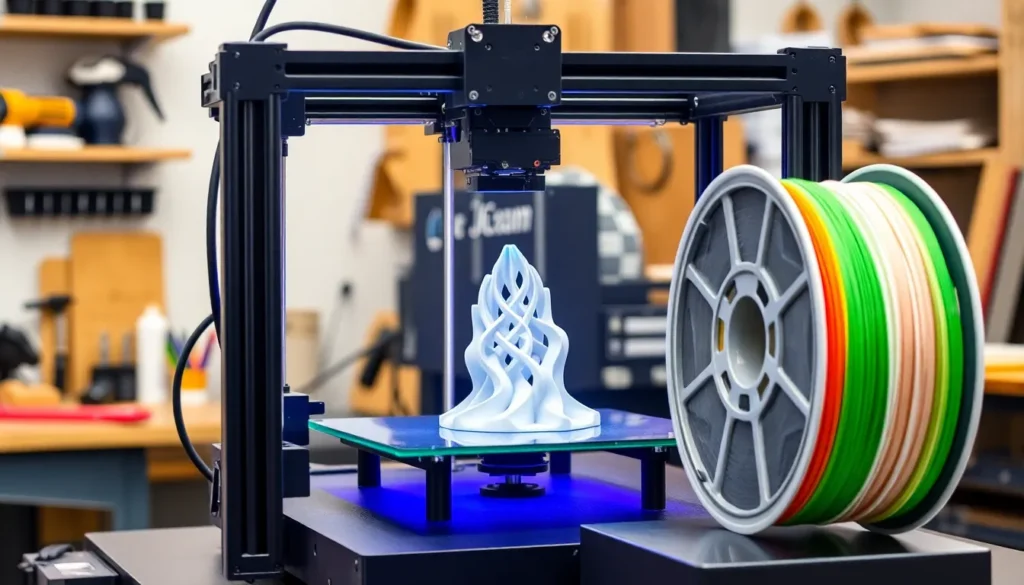
Understanding the factors influencing print duration is crucial for effective 3D printing project management. Various elements interplay to determine how long the printing process takes.
Print Size and Complexity
Print size significantly impacts total print time. Larger objects typically require more time to print compared to smaller items. Complexity adds another layer, as intricate designs with detailed features often take longer to complete. Even though simple models might print in under an hour, more elaborate structures could extend production time to several hours or even days. Intricate geometries and higher layer counts necessitate additional passes, increasing the duration.
Material Type
Different material types can drastically alter print duration. Common materials like PLA or ABS usually print faster due to their properties. However, materials such as Nylon or TPU often need additional care and longer print times due to their handling requirements. Each material influences not only the structure’s quality but also how swiftly the printer can operate. Choosing the right material can optimize the printing process and reduce waiting times.
Printer Speed
Printer speed directly affects how quickly a project comes to fruition. Higher speed settings can decrease print times, but they may compromise detail. Lower speeds often result in higher-quality prints, yet they extend the time required for completion. It’s essential to balance speed with desired print quality. Advanced printers with higher specifications can work more efficiently, reducing overall duration significantly.
Typical Print Times for Common Projects
Print times in 3D printing vary based on the size and complexity of projects. Understanding typical durations helps in planning and managing expectations.
Small Models
Small models typically print in under one hour. Using standard materials like PLA allows for quick production. Designs such as keychains or small figurines often complete in about 15 to 30 minutes. Simplified geometries with fewer details tend to expedite the process, making them ideal for rapid prototyping. Quick settings and lower layer heights also contribute to faster print times, as less material needs to be deposited.
Medium-Sized Prints
Medium-sized prints often take between one and four hours. Common applications include decorative items or functional tools. Print times depend on factors like complexity and resolution settings. For example, a detailed vase might take longer than a plain box of the same dimensions. Material choice influences the timeline as well; while PLA prints quickly, other materials might extend the duration. Adjusting layer heights can either speed up the print or enhance detail based on project needs.
Large Objects
Large objects can require several hours to multiple days for completion. Items like furniture or large prototypes exemplify these extensive print times. Complexity significantly impacts duration, with intricate designs prolonging the process. Larger models typically necessitate careful planning to optimize settings for speed and quality. Multi-material prints, while impressive, add extra hours due to additional calibration periods. The choice of material also affects the final output time; industrial-grade materials often require longer curing times than standard filaments.
Tips to Optimize 3D Printing Time
Optimizing 3D printing time involves strategically adjusting settings and preparing for the print. He or she can enhance efficiency and achieve better results with the right approach.
Choosing the Right Settings
Selecting optimal printer settings significantly impacts print duration. Layer height plays a crucial role, as thinner layers provide detail but increase the time required. He or she should aim for a balance; medium layer heights often deliver acceptable detail while speeding up the process. Print speed also affects time—higher speeds reduce it but may compromise quality. In many cases, adjusting infill density reduces material usage and time, while also maintaining structural integrity. Using preset profiles tailored for specific materials or objects streamlines the process, curtailing wasted time during setup.
Pre-Printing Preparations
Pre-printing preparations set the stage for successful 3D printing. Properly calibrating the printer ensures accuracy, directly impacting print speed and quality. Checking the print bed alignment and cleanliness can prevent issues during printing, saving hours of troubleshooting later. A well-optimized slicing software generates the most efficient pathways for the printer, which minimizes print time. Reviewing the design for potential complexities allows for easier adjustments, further decreasing print time. Streamlining these preparations leads to quicker and more dependable prints.
Understanding the factors that influence 3D printing time is essential for anyone looking to optimize their projects. From the size and complexity of the object to the choice of materials and printer settings, each element plays a vital role in determining how long a print will take. By carefully considering these aspects and implementing best practices, users can significantly enhance their efficiency and output quality.
With the right approach, 3D printing can be a streamlined process that meets both creative and practical needs. This knowledge empowers users to manage their expectations and timelines effectively, ensuring successful outcomes in their 3D printing endeavors.

