


In today’s digital age, a reliable home network isn’t just a luxury—it’s a necessity. Whether it’s streaming the latest binge-worthy series or video chatting with Grandma, a solid connection keeps everything running smoothly. But let’s face it, setting up a home network can feel like trying to solve a Rubik’s Cube blindfolded.
Understanding Home Networking Solutions
Home networking solutions enable devices to connect seamlessly, providing essential support for various online activities. They encompass a range of hardware and software designed to enhance communication within households.
What Are Home Networking Solutions?
Home networking solutions consist of routers, switches, extenders, and networked devices. Routers act as central hubs, directing data traffic between devices and the internet. Switches manage connections among multiple devices, enhancing communication within a local network. Extenders improve signal strength, ensuring coverage in larger homes. Networked devices include computers, smartphones, and smart home appliances, all interacting through the home network.
Importance of Home Networking
Reliable home networking supports activities like streaming, online gaming, and remote work. Connectivity impacts speed and performance, directly influencing user experience. For instance, a stable network ensures high-quality video conferencing without interruptions. Security features such as firewalls protect personal information from cyber threats. Home networking facilitates smart home integration, enabling devices to work together for convenience and efficiency. Overall, strong home networking enhances digital lifestyles in an increasingly connected world.
Types of Home Networking Solutions
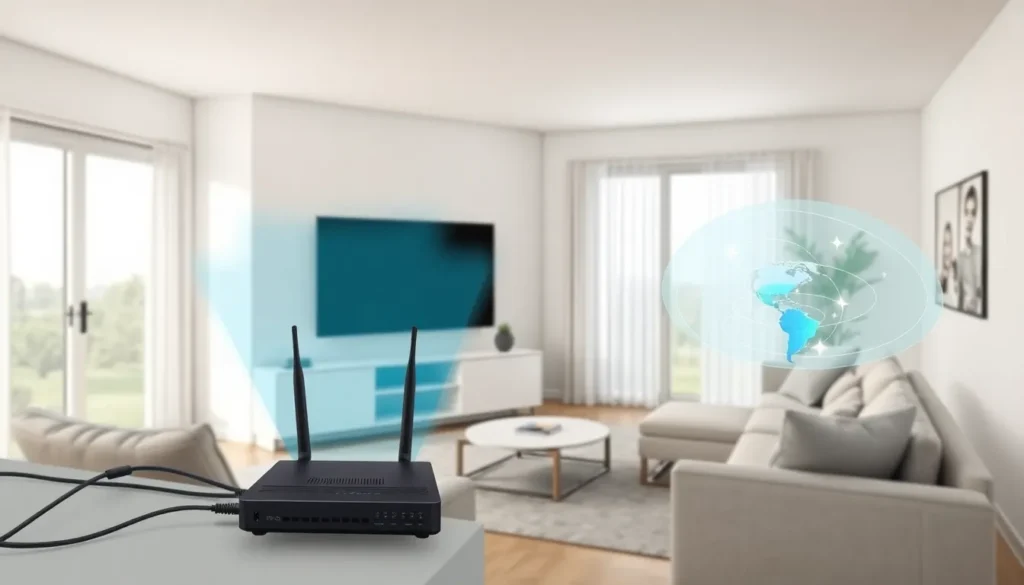
Home networking solutions come in various forms, each catering to specific needs. Understanding these types helps in choosing the right setup for optimal performance.
Wired Networking Solutions
Wired networking solutions establish reliable connections through physical cables. Ethernet cables commonly connect devices, offering stable and high-speed internet access. Routers serve as the main hub, directing data traffic effectively. Switches expand the number of devices linked to the network, allowing seamless communication. Many prefer wired setups for activities requiring consistent bandwidth, like online gaming or 4K streaming. They often experience fewer interruptions compared to wireless alternatives. Overall, wired networks provide unmatched reliability and speed for connected devices.
Wireless Networking Solutions
Wireless networking solutions offer flexibility by using radio signals instead of cables. Routers emit Wi-Fi signals, enabling devices to connect without physical connections. Mesh networks enhance coverage, distributing signals across larger areas without dead zones. Extenders boost Wi-Fi range, improving connectivity in hard-to-reach locations. Many choose wireless solutions for convenience and ease of installation. Devices such as smartphones, tablets, and smart TVs benefit from the mobility provided by wireless networks. Security measures, including WPA3 encryption, protect data transmitted over these networks. Wireless setups cater to the modern demand for connectivity throughout the home.
Key Components of Home Networking
Home networking relies on several key components that ensure a robust and efficient online experience. These elements include routers, modems, access points, and extenders, each playing a vital role in maintaining connectivity.
Routers and Modems
A router connects multiple devices to the internet through a single point, acting as the central hub for data traffic. It manages data packets, directing them between devices and the internet. Modems, on the other hand, link the home network to the internet service provider. They convert digital signals from the router into an analog format suitable for transmission over phone lines or cable. Choosing a combined modem-router device can simplify setup, reducing equipment clutter. A dual-band router enhances performance, offering both 2.4 GHz and 5 GHz bands for different device needs.
Access Points and Extenders
Access points and extenders expand network coverage throughout the home, ensuring a strong internet signal in every corner. Access points connect directly to the router via Ethernet, creating additional Wi-Fi zones in large areas. Positioning access points effectively can significantly improve overall performance. Extenders, conversely, repeat existing Wi-Fi signals, increasing reach where direct connections are impractical. Installing a mesh network system facilitates seamless transitions between nodes, optimizing speed as devices move throughout the home. Both solutions are essential for eliminating dead zones, especially in larger homes.
Setting Up Your Home Network
Establishing a home network involves careful planning and configuration of devices. This process enables seamless connectivity for various online activities and enhances overall performance.
Planning Your Network Layout
Start with assessing the size and layout of your home. Identify areas where internet connectivity is crucial, such as home offices or entertainment zones. Prioritize locations to place the router for optimal signal distribution. Consider using multiple access points or extenders in larger homes to eliminate dead zones. Evaluate the distance between devices, as this can affect connection stability and speed. Create a diagram mapping your network setup, showing where each device will be installed. This outline helps visualize the network flow, ensuring an organized and efficient layout.
Configuring Your Devices
Next, configure each device for optimal performance within the network. Connect the modem to the router, ensuring a stable internet connection. Access the router’s settings using a web browser and customize the network name and password for security. Enable WPA3 encryption to safeguard personal information. Assign static IP addresses to devices requiring consistent connectivity, such as smart TVs or gaming consoles. Update firmware on all devices regularly to enhance performance and security. Test the network speed using online tools to ensure everything operates smoothly and meets user needs.
Troubleshooting Common Networking Issues
Home networking issues can disrupt online activities and complicate connectivity. Understanding common problems helps users identify and resolve them efficiently.
Connection Problems
Connection problems often arise from various factors. First, users should check if their devices are within range of the router. A weak Wi-Fi signal can cause disconnections. Next, examine the router’s Ethernet cables to ensure they are secure. Loose or damaged cables lead to connectivity disruptions. Restarting the router can also resolve temporary issues. If problems persist, firmware updates might be necessary to fix bugs or improve performance. Finally, interference from other devices can impact connectivity. Identifying and relocating conflicting devices may enhance the network experience.
Slow Internet Speeds
Slow internet speeds frustrate users during tasks like streaming and online gaming. Begin by running speed tests to determine actual performance. Identifying if the speeds match the service plan can clarify issues. Next, multiple devices connected simultaneously can strain bandwidth. Disconnecting unused devices may boost available speed. Users should also assess their router’s placement; central locations optimize signal distribution. Outdated routers may not support higher speeds, so upgrading can be beneficial. Lastly, consider checking for background applications consuming bandwidth. Limiting these can help improve overall network performance.
A strong home network is essential for navigating today’s digital landscape. By understanding the various components and solutions available users can create a setup that meets their specific needs. Whether opting for wired or wireless solutions the right choices can lead to improved connectivity and performance.
Regular maintenance and troubleshooting are key to keeping the network running smoothly. With the right configuration and security measures in place users can enjoy seamless streaming online gaming and smart home integration. Embracing these home networking solutions not only enhances convenience but also ensures a secure and efficient online experience.

