


In today’s digital age, a solid home network isn’t just nice to have; it’s a necessity. Imagine a world where buffering videos and dropped Zoom calls are relics of the past. Sounds dreamy, right? Creating a home network can transform that fantasy into reality, ensuring seamless connectivity for all your devices.
Understanding Home Networks
A reliable home network forms the backbone of modern connectivity. It consists of devices and technologies that enable seamless communication and data transfer within a household.
What Is a Home Network?
A home network connects multiple devices, allowing them to communicate with each other and access the internet. Key components include routers, switches, and access points. Routers manage traffic between devices, while switches enable wired connections. Devices can include computers, smartphones, smart TVs, and gaming consoles. Users benefit from shared resources like printers and network storage.
Types of Home Networks
Several types of home networks exist, each catering to different needs. Wired networks utilize Ethernet cables for fast, stable connections, ideal for activities requiring high bandwidth. Wireless networks use Wi-Fi technology, offering flexibility and mobility within the home. Mesh networks enhance coverage by utilizing multiple access points, minimizing dead zones. Powerline networks deliver internet through electrical wiring, providing an alternative for hard-to-reach areas.
Planning Your Home Network
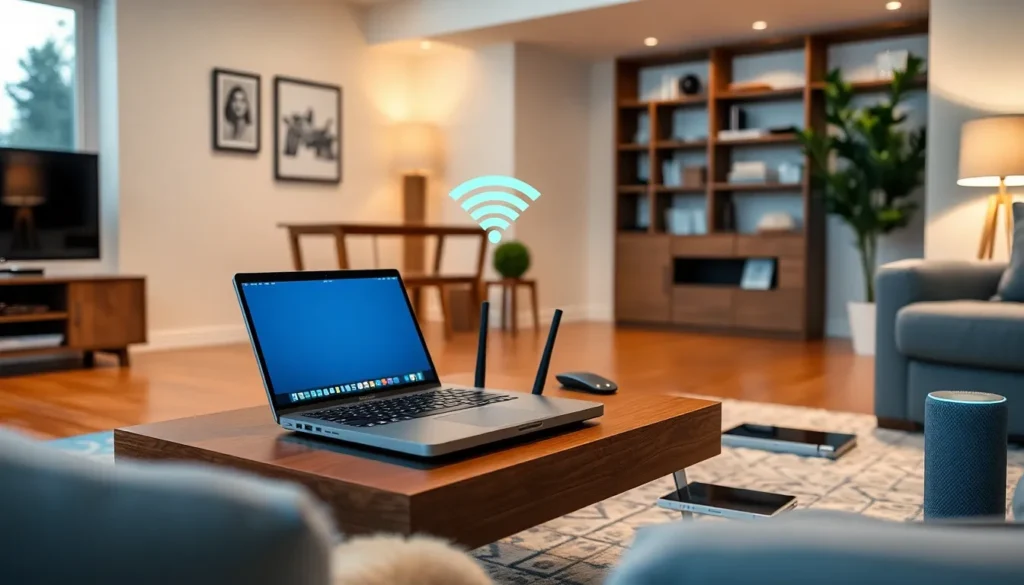
Planning a home network requires careful evaluation of individual needs and selection of appropriate equipment. This stage lays the foundation for effective connectivity.
Assessing Your Needs
Analyzing usage patterns helps define requirements. Consider how many devices connect to the network, including computers, smartphones, and smart home devices. Identifying primary activities like streaming, gaming, or remote work influences bandwidth needs. Prioritize essential activities to ensure sufficient resources. Specific devices may require wired connections for stability, while others benefit from wireless flexibility.
Choosing the Right Equipment
Selecting appropriate equipment enhances network performance. Begin with a quality router, which serves as the network’s hub. Choose a router that supports current standards, like Wi-Fi 6, for improved speed and efficiency. Access points extend wireless coverage, especially in larger homes. Consider switches if wired connections are necessary for gaming consoles and desktop computers. Evaluate mesh systems for seamless coverage in multi-story houses. Always factor in future expansion to accommodate new devices.
Setting Up Your Home Network
Setting up your home network involves several key steps to ensure optimal performance and connectivity for all devices.
Connecting Your Devices
Connect devices directly to the router using Ethernet cables for a stable, high-speed connection. Wireless devices can join the network by selecting the appropriate Wi-Fi network and entering the password. Smart home devices, such as thermostats and security cameras, also connect through the same network for seamless communication. Tablets, smartphones, and laptops typically connect wirelessly, making mobility easy. Prioritize devices requiring high bandwidth first, like gaming consoles and streaming devices, to avoid performance issues. Completing each connection helps establish a solid network foundation.
Configuring Your Router
Configure the router’s settings to optimize performance and security. Access the router’s admin interface using a web browser, typically through an IP address. Change the default username and password to prevent unauthorized access. Modify network settings, including SSID to improve identification, and enable WPA3 encryption for enhanced security. Adjust the bandwidth allocation to prioritize devices with higher data needs, ensuring smooth operations. Update the router’s firmware regularly to maintain optimal security and functionality. Performing these configurations results in a more reliable and efficient home network.
Securing Your Home Network
Securing a home network is crucial for protecting personal information and ensuring safe online experiences. Network security measures prevent unauthorized access and safeguard valuable data.
Importance of Network Security
Network security serves as the first line of defense against cyber threats. Protecting sensitive data from hackers reduces the risk of identity theft and financial loss. High-profile breaches and increasing cybercrime rates highlight the need for robust security. Essential steps include securing devices and safeguarding Internet of Things devices which often lack built-in security features. A strong, secure network creates a safe environment for internet-connected activities.
Best Practices for Protection
Implementing strong passwords is paramount for network security. Change default credentials immediately to enhance protection. Enabling WPA3 encryption significantly improves defense against unauthorized access. Regularly updating router firmware addresses vulnerabilities and strengthens security layers. Using a guest network for visitors keeps the primary network isolated and secure. Additionally, monitoring connected devices helps identify suspicious activity quickly. Adopting these practices establishes a resilient home network against potential threats.
Troubleshooting Common Issues
Addressing connectivity problems is crucial in maintaining a reliable home network. Various issues can arise, such as poor Wi-Fi signals and intermittent disconnections. Restarting the router often resolves connectivity issues quickly. Checking the placement of the router ensures optimal coverage without interference from walls or other electronic devices. Verifying the connections of Ethernet cables can identify any loose or damaged links. Assessing the number of devices connected also aids in pinpointing network strain, especially during high-demand activities like streaming or gaming. Keeping firmware updated provides fixes for known bugs that could affect connectivity.
Performance optimization plays a pivotal role in achieving a smooth network experience. Reducing interference from other electronics or changing the Wi-Fi channel effectively enhances performance. Prioritizing devices using Quality of Service (QoS) settings often resolves slow speeds for critical applications. Network congestion can lead to delays; therefore, disconnecting rarely used devices can free up bandwidth. Employing a mesh network may offer improved coverage in larger homes with multiple floors. Lastly, monitoring network speed using tools can help users identify bottlenecks, allowing for appropriate adjustments to support seamless connectivity.
Creating a robust home network is essential for navigating today’s digital landscape. By understanding the components and planning effectively, individuals can ensure seamless connectivity throughout their homes. Prioritizing security measures and troubleshooting techniques further enhances the network’s reliability.
With the right setup and maintenance, a home network can not only meet current demands but also adapt to future needs. Embracing these strategies empowers users to enjoy uninterrupted streaming, gaming, and smart home integration, ultimately leading to a more connected and efficient living space.

